Cart (1)
Close
-
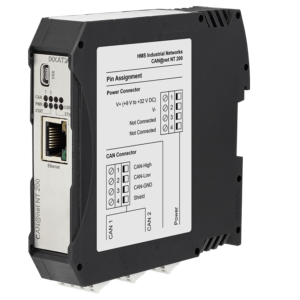
CAN@net NT 200 - CAN Ethernet Gateway
Qty: 1 $963.60
Subtotal: $963.60
$594.43

$699.60
$987.04
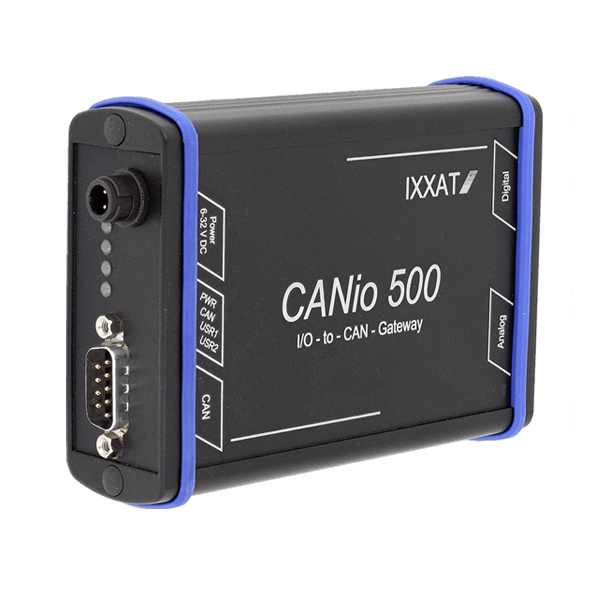
The CANio 500 enables the easy and quick connection of various analog and digital input and output signals to CAN or CANopen systems – whether in experimental setups, component test stands or vehicles. CANio 500 is a field attachable CAN/ CANOpen I/O device available in multiple configurations as below:

CANio Configuration Tool
The CANio Configuration Tool, included in the scope of delivery, enables the easy and fast configuration of the CANio 250 and CANio 500 devices. To download the configuration file to the device a CAN interface is required, e.g. USB-to-CAN V2 compact. The range of functions of the Windows software includes:
$987.04